

<img height="1" width="1" style="display:none" src="https://www.facebook.com/tr?id=4934275273343286&amp;ev=PageView&amp;noscript=1">
THE CLICKSHIP PLATFORM

Less time at the printer.More orders on their way.

Bring labels and shipping paperwork into one coordinated print workflow. OnePrint helps your team produce shipping labels, packing slips, customs documents and pick lists with saved printer preferences, keeping the documents an order needs moving toward the right place at the packing station.

Free account. Room to grow.Canadian support
ClickShipOnePrint

One queue. Every document.

Order #1045

Shipping labels
Packing slips
Customs documents
Pick lists
Print all 4
Your shipping workspace
BUILT FOR YOUR SHIPPING DAY

Keep printing in rhythm with packing

A shipping label belongs on the parcel. A packing slip belongs with the order. A customs document has its own job to do. OnePrint brings that paperwork together without asking your team to repeat the same printer choices for every order. Default printer settings and coordinated document output help keep the packing station focused on getting complete shipments ready to leave.

Saved printer preferencesCoordinated document outputFewer repeated print choicesA smoother packing station
POSSIBILITIES, PUT TO WORK

Less repetition. More momentum.

Connected tools. Practical advantages. Choose the capabilities your team needs.

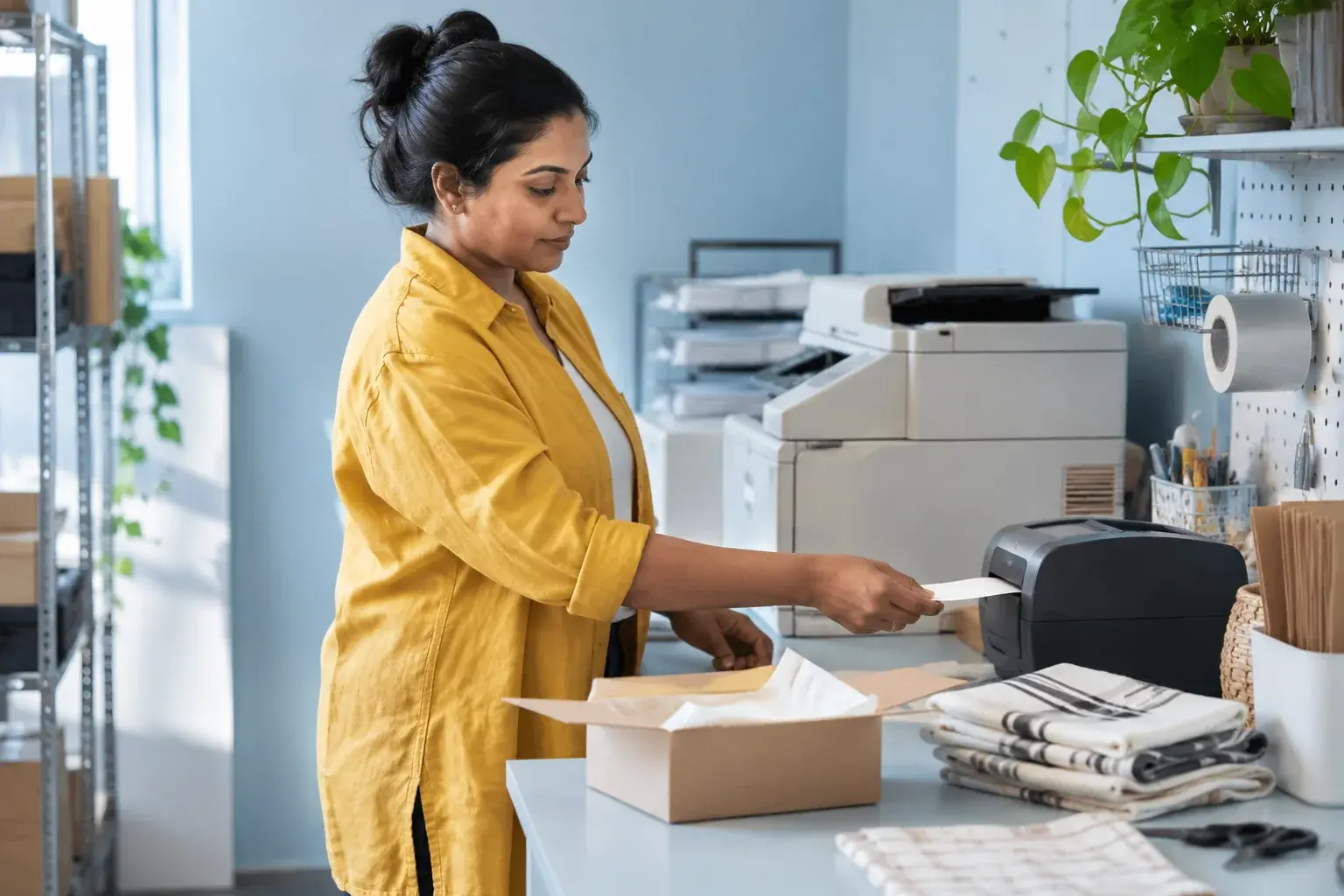
A dispatch specialist prepares shipping labels at an organized printing bench.
OnePrint

Labels ready for the parcel

Send shipping labels through a dedicated print workflow with saved preferences, helping the team keep carrier labels moving as completed orders arrive at the packing station.

Paperwork that travels together

Prepare packing slips and customs documents alongside the label workflow, bringing the paperwork for each order into a more coordinated process before the shipment is handed over.
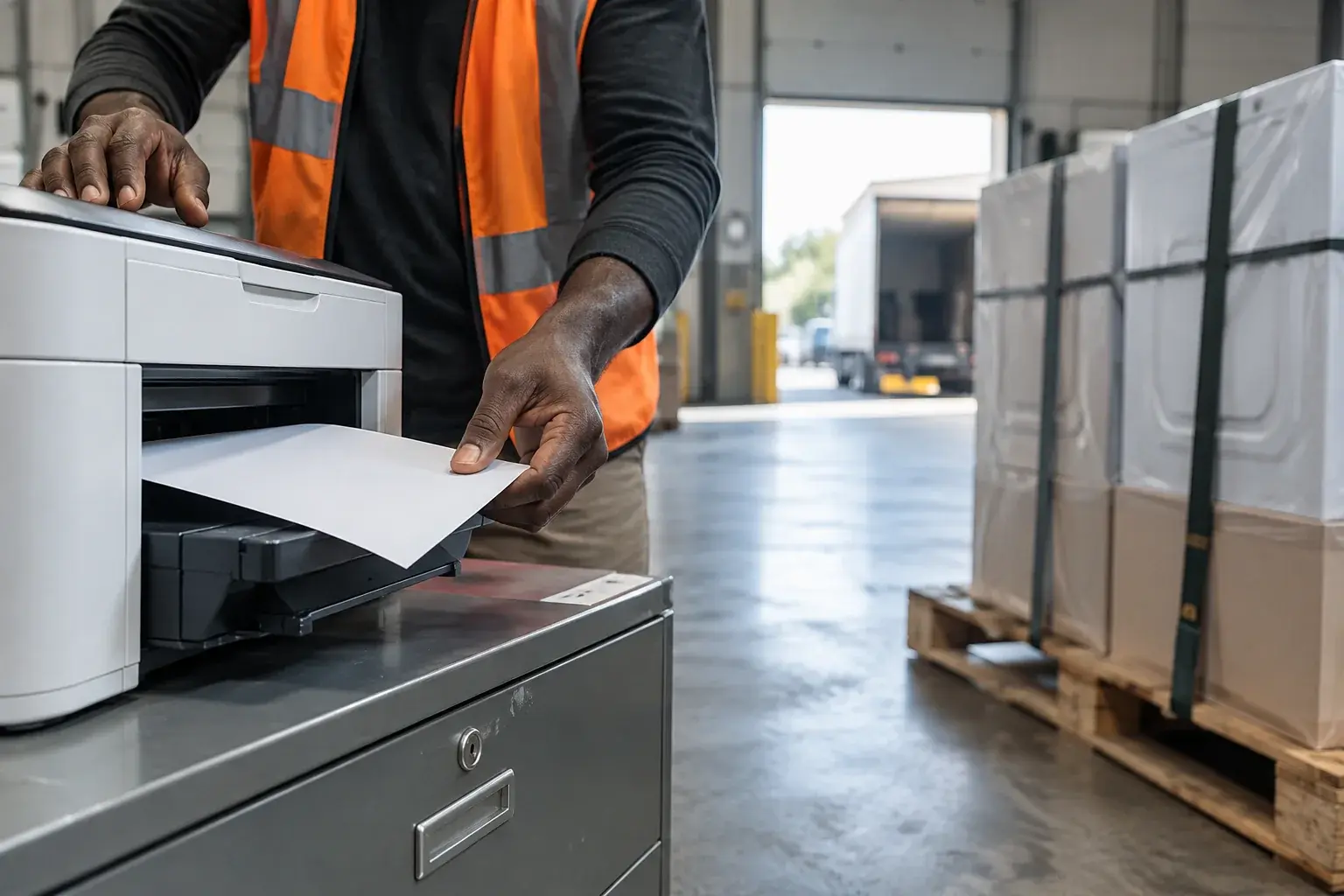

A freight coordinator collects documents beside a secured pallet.
AT THE PACKING STATION

Pick lists for the warehouse

Include pick lists in the document workflow so the information used to gather products can move into the hands of the team preparing the next set of orders.

The right printer for each document

Set default printers for different document types and send queued documents to separate devices with one click, reducing repeated printer selection during the working day.

AT THE PACKING STATION

One order, the documents it needs

An international order can bring together a carrier label, a packing slip and customs paperwork. OnePrint helps coordinate the documents selected for printing, with saved preferences directing each type of output to the device that fits the packing station’s setup.

Shipping labelsPacking slips and customs documentsPick lists

Let the paperwork keep pace

Preferences match your station

Saved printer choices reflect where labels and other documents need to go in your packing area.

Documents enter the print workflow

The order’s labels and paperwork come together for a coordinated output from the connected station.

The team keeps preparing orders

Printed documents are ready for the people gathering products, packing parcels and completing the shipment handoff.

HELP, RIGHT WHERE YOU WORK

Milo AI Shipping Assistant.Always by your side.

Find an order, understand an update or explore a product’s details. Keep the conversation close to the work.

Your AI Shipping Assistant

Which documents are ready for order #2508?

Milo

#2508 has a shipping label and a packing slip ready. The packing slip lists NOTEBOOK-A5 ×2 and PEN-BLK ×1 for delivery to Guelph.

Illustrative conversation
A LITTLE MORE CLARITY

Good questions. Useful answers.

Talk through your workflow

YOUR NEXT POSSIBILITY STARTS HERE

Give the packing station a better flow.

Connect your printers to a document workflow that keeps up with the orders your team is preparing.

ClickShip

One platform. Room to grow.

  • Saved printer preferences
  • Coordinated document output
  • Fewer repeated print choices

Start with a free account for core shipping tools. Add specialized premium features as your business grows.

Explore plans and features