

Parcel service comparison
Choose among eligible courier services for everyday products with price and transit information together.
Give every product a shipping option that fits. Compare eligible parcel and LTL services, then manage marketplace, storefront, manual and uploaded orders in one ClickShip dashboard.
 Parcel and pallets
An individual boxed product often starts with parcel comparison. Confirm the packed dimensions, weight, destination and carrier limits before choosing a service.
One product does not always mean one box. Record every carton, then compare eligible parcel or freight services against the order’s handling and delivery needs.
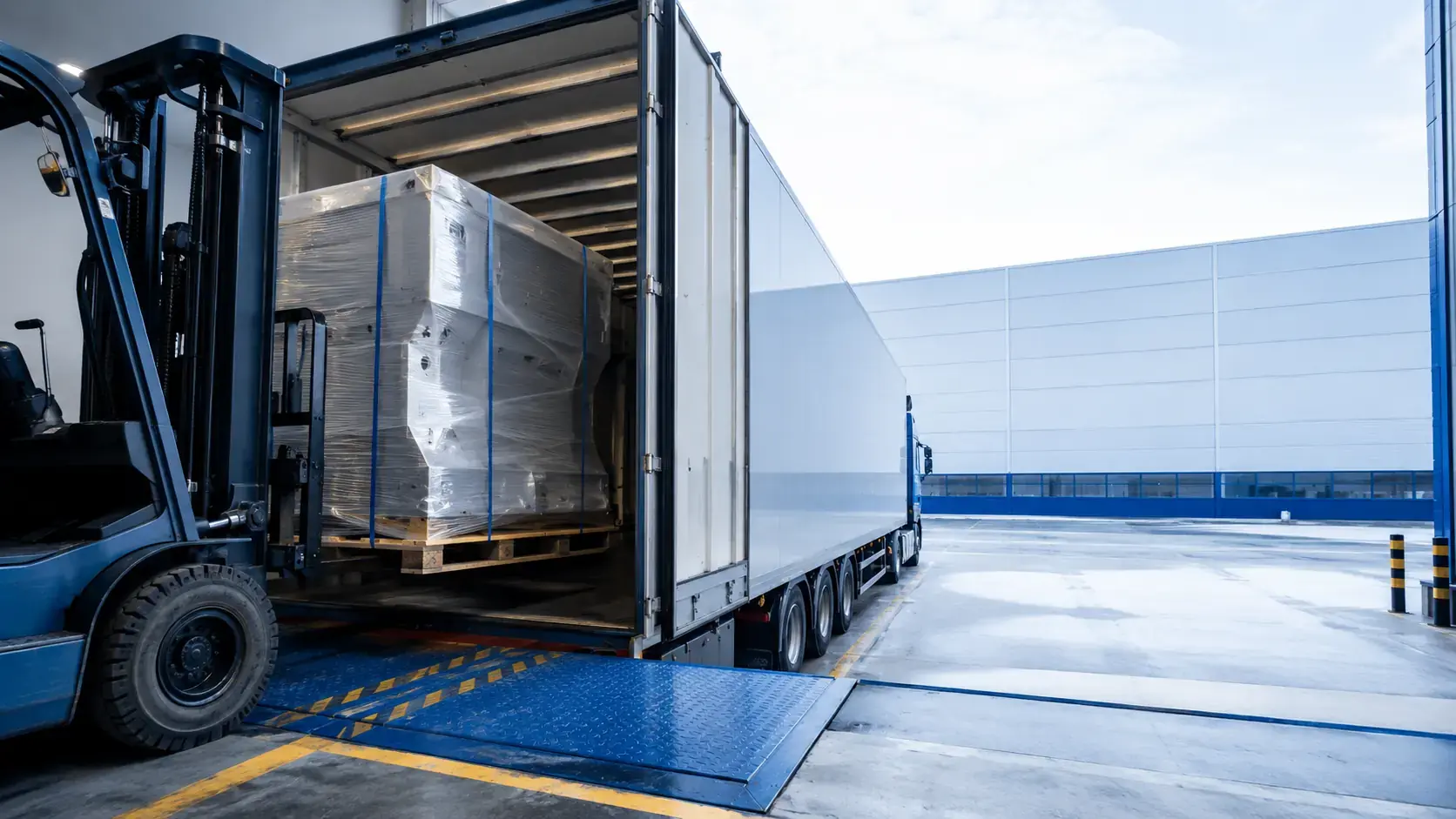
Heavy or oversized goods require a freight review. Include the loaded pallet dimensions, total weight, commodity and site requirements such as a tailgate or limited access.
A starting point for your comparison. Final eligibility depends on the shipment and carrier.

A growing catalog needs room for small packages, multi-box products and pallet deliveries. ClickShip brings eligible parcel and LTL services into one account, so your team can compare the options for each order and carry the selected service into booking, documents and tracking. Your shipping workflow can grow with the products you sell.
Mixed-mode shippers · Furniture retailers · Wholesalers · Industrial suppliers
| What to review | Parcel | LTL |
|---|---|---|
| Packaging | One or several boxes | Pallet or crate prepared for freight |
| Measurements | Each package’s weight and dimensions | Loaded pallet’s weight and dimensions |
| Receiving | Selected service’s delivery conditions | Dock, tailgate, access and requested services |
| Documents | Labels and applicable supporting records | Bill of lading and applicable supporting records |
Compare parcel and LTL services without sending larger orders into a separate quoting process.
Choose among eligible courier services for everyday products with price and transit information together.

Make room for heavy and oversized products with eligible freight services in the same account.
Keep packaging and receiving needs in view as you compare services for the complete order.
Connect the selected service to booking, documents and tracking for parcel and pallet orders.
OneSKU Multi-Box keeps every package associated with a single sellable product. Each carton’s weight and dimensions can inform supported rating workflows, helping you offer multi-box products with their complete shipping configuration connected to the order.
See OneSKU Multi-BoxCompare eligible parcel and freight options with price, transit information and delivery requirements in view. Product size, loaded dimensions and receiving needs shape the available services, so the selected option reflects how the whole order will reach the customer.
Plan a pallet deliveryBring marketplace and storefront orders together with manual and uploaded orders in one dashboard. Use saved packaging and shipping rules for repeat decisions, then create parcel or freight documents and follow the shipment without losing its connection to the customer order.
Connect your order workflowIllustrative scenario using a fixed 30% reduction on the cost you enter. Actual savings vary by shipment.
$5,400.00 over 12 months at the same volume
Choose among eligible courier services for everyday products with price and transit information together.
Make room for heavy and oversized products with eligible freight services in the same account.
Keep packaging and receiving needs in view as you compare services for the complete order.
Connect the selected service to booking, documents and tracking for parcel and pallet orders.
Milo helps the team read the visible service choices and continue through the selected workflow.
Meet Milo AI Shipping Assistant
Show the parcel and pallet options saved for order #7056.
Order #7056 has carton details and a loaded pallet preset available. The receiving address includes a tailgate requirement. Open its service comparison to view eligible parcel and LTL options using the packaging configuration for each mode.
Order, product and next stepShip pallets within Canada, within the U.S., from Canada to the U.S. and from the U.S. to Canada.
ExploreShip parcels within Canada, from Canada to the U.S., from the U.S. to Canada, and from Canada to international destinations.
ExploreConnect leading storefronts and marketplaces, or ship without an online store. Bring connected, manual and uploaded orders into one account.
ExploreClickShip’s carrier partners bring parcel and pallet services together with the extra tools and delivery options to help your business grow.
Connect my businessNo universal rule applies. Compare the actual dimensions, weights, destination and required services. The right option depends on the complete shipping and delivery plan, not the number of boxes alone.
Review freight for heavy, oversized or consolidated goods requiring a pallet or freight handling. Confirm carrier limits and eligible services for the specific shipment. There is no single parcel-to-freight threshold for every carrier.
OneSKU Multi-Box stores multiple packages under a product. The individual box dimensions and weights support a more complete physical shipment setup in compatible rating workflows.
Learn moreA residence might lack a loading dock or receiving equipment. Identify address type, tailgate and other service needs before comparing rates. Confirm what the selected carrier includes in the delivery.
Use the same packed goods, origin, destination, delivery requirements and tax basis. Consider transit expectations and included services alongside the price so the comparison represents the same delivery plan.
No. ClickShip supports standalone shipping as well as connected storefronts and marketplaces. Create the shipment manually and enter the packaging and route information needed for comparison.
Learn more
Prepare compact orders and compare parcel services.
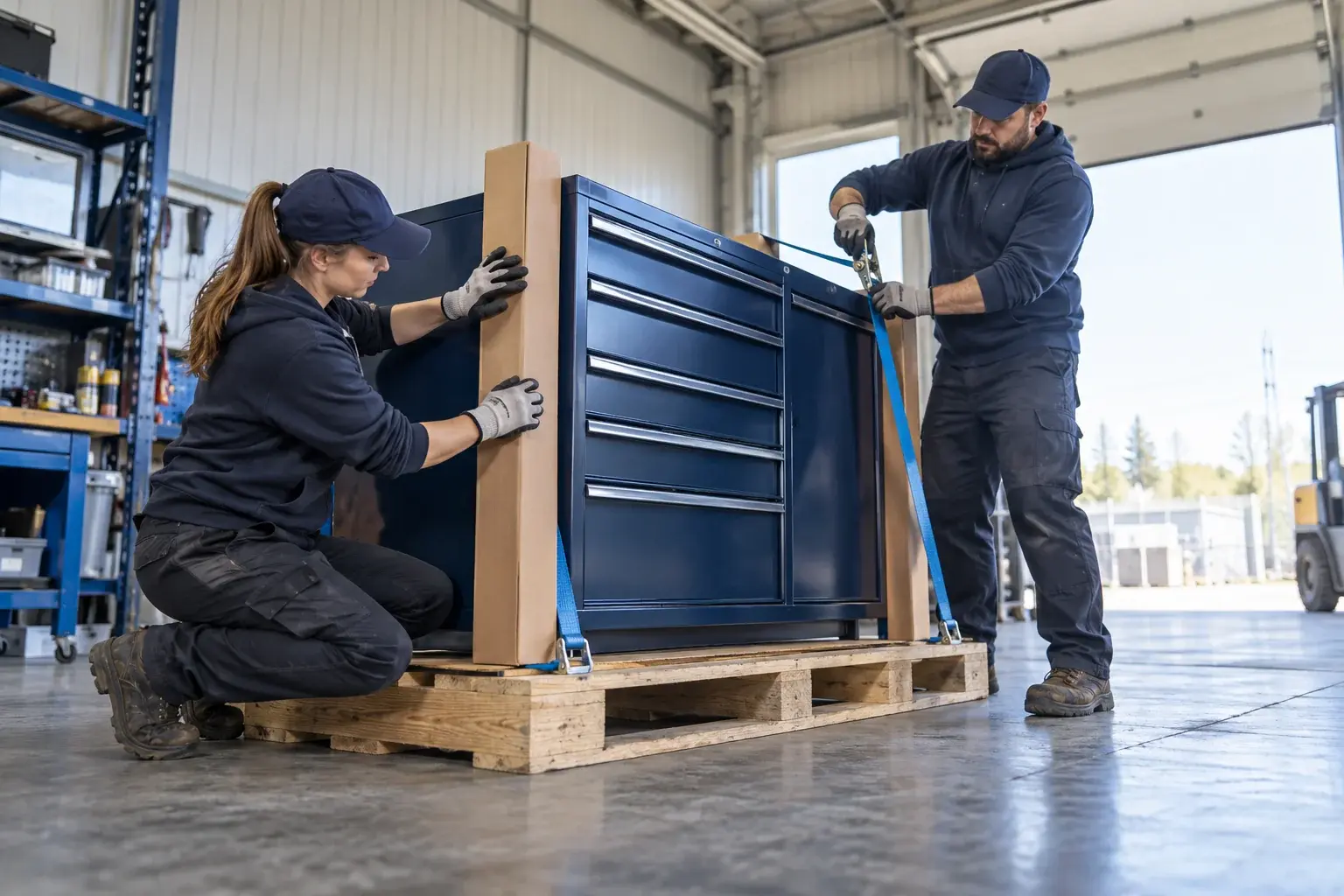
Prepare loaded pallet details and receiving requirements.
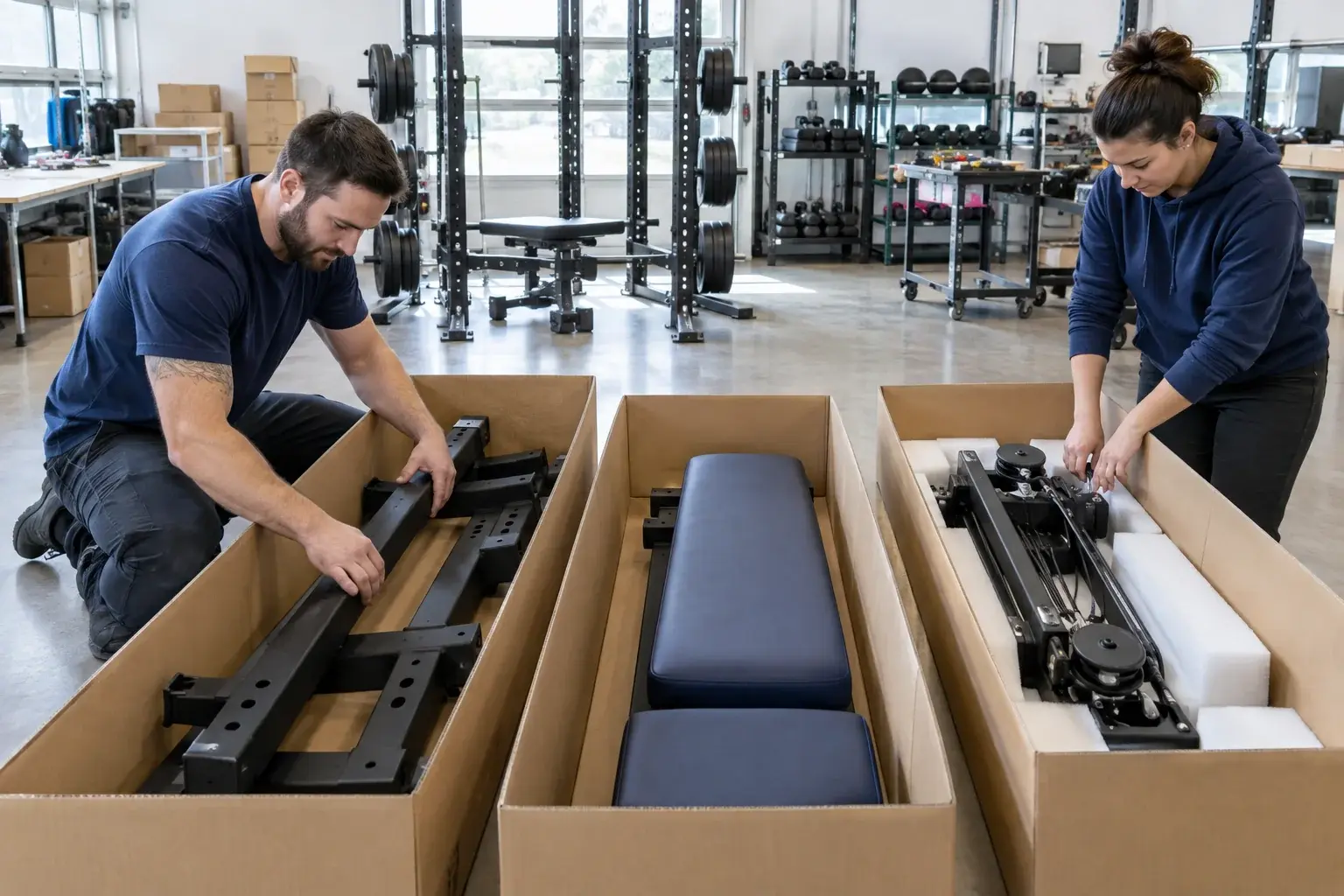
Account for every carton belonging to one product.

Present eligible parcel and pallet options before payment.

Compare the complete package configuration for the order.

Follow the shipment after choosing the service.