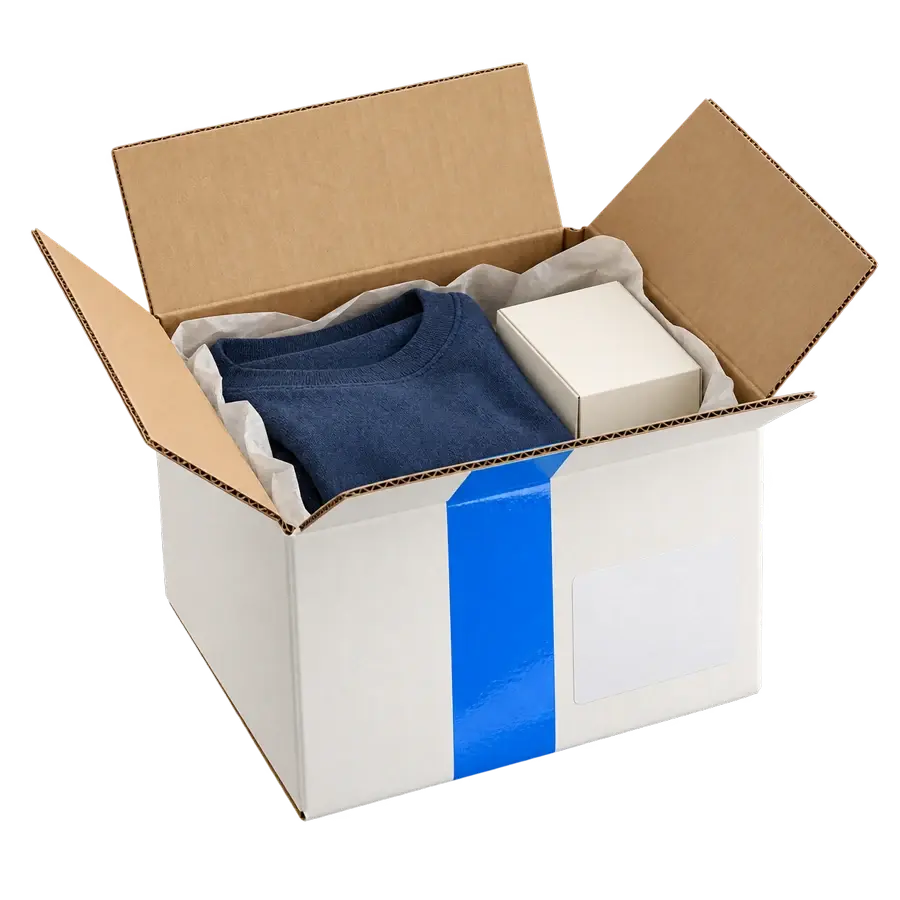
Confirm the box, dimensions, weight and shipment value before rating.
SAVED PACKAGING
PACKAGE DETAILSSmall box
Dimensions
20 × 15 × 10 cm
Weight
0.8 kg
Destination
Toronto, ON
Ready for comparison
ORDER #1008
Select the perfect service
03 / 04
Compare courier price, transit expectation and handoff choice together.
Example servicesSmall box · Toronto, ON
Service availability and transit times depend on your shipment.
ORDER #1008
Label, tender and track
04 / 04
Create the label, hand the parcel to the carrier and follow delivery events.
Shipping documents
Label prepared
#1008 · Standard Toronto, ON
SHIPMENT
Label createdDocuments ready
Handed to carrierPickup or drop-off
In transitConnected tracking
DeliveredCustomer updated
ImportPrepareCompareShipChoose a step to try it.
Courier services for packages, envelopes and PAKs
YOUR COMMERCE. CONNECTED.
Every package.Every step, connected.
From the products you sell to the delivery updates your customers receive, build your parcel shipping process around one connected order.
Connected.
CONNECTED ORDERS
Shopify
WooCommerce
CSV import
Smart PackagingLet the product guide the package.
Dimensions
Package weight
SERVICE SELECTIONRate + transit details
An informed choice for every package.
Ready for documents
OrderPackageService
ONE ORDER. ONE CONNECTED WORKFLOW.
CONNECT YOUR SALES
Your orders arrive from everywhere. Your shipping starts here.
Manage parcel orders from connected storefronts and marketplaces in one place. Bring together your Marketplace and eCommerce orders, then move from order review to shipment preparation.
Import a CSV for another sales channel, or create a manual shipment for a one-off package. Keep the products, destination and order information together through packaging, courier selection and label creation.
A skincare set, an apparel order and a homeware bundle need different packaging. Save your product weights, dimensions and available boxes, then use Smart Packaging to match an order with a packaging setup.
For a single product travelling in several cartons, OneSKU Multi-Box stores each package under one SKU. Review the individual boxes before rating so the shipment reflects the way the product is packed.
Review available courier services for the package you are sending. Compare the shipping rate alongside the service and transit information, then choose the option suited to your order and customer expectations.
ClickShip brings domestic, cross-border and international parcel services into the same platform. The destination, package details and selected service determine the available options.
Bring in an order, choose its packaging and compare available courier services. ClickShip keeps the label, service choice and tracking connected to the package you are preparing.
Your product. Packed with care.
ONE CONNECTED WORKFLOW
Move everyday orders faster without losing control over price, service or customer updates.
Bring orders in from stores, marketplaces, CSV files or manual entry.
Keep connected store orders and imported orders ready for the next fulfilment step. Review the destination and product information before preparing the shipment.
Packaging intelligence
Apply saved boxes, Smart Packaging and OneSKU Multi-Box settings before rating.
Accurate product and box data supports consistent parcel preparation. Reuse saved packaging for repeat products.
SERVICES & DOCUMENTS
Multi-carrier comparison
View available parcel services with price and transit details on one screen.
Assess each available service against the package, destination and delivery needs.
Labels and documents
Create shipping labels and supporting documents in one unified workflow.
Keep the parcel label and supporting documents linked to the shipment. Use the order to move from service selection to document preparation.
DELIVERY & TRACKING
Pickup and drop-off choices
Choose the handoff option that best works for your operations.
Plan the handoff around your shipping day. Scheduled parcel pickups are available through select carriers, with options determined by the shipment and service.
Tracking and customer updates
Monitor parcel status and return updates to connected sales channels.
Follow carrier events at an order or shipment level. Use connected tracking updates, customer emails and tracking pages to support the post-purchase experience.
Parcel shipping built around how your business sells.
The parcel is prepared. Keep the documents, carrier handoff and customer updates moving through the same fulfilment workflow.
Print for the work ahead.
Prepare shipping labels, packing slips and applicable customs documents. OnePrint routes queued documents to your configured printers, while pick lists support the packing process. Bulk shipping helps process multiple orders together.
Select a pickup or drop-off option supported by your service. Keep each parcel’s label, packaging details and shipment record together so your team has the information needed at dispatch.
Follow package tracking through carrier events. Tracking emails, tracking pages and supported branding tools connect your business with the customer after the order leaves your packing station.
Ship parcels within Canada, from Canada to the U.S., from the U.S. to Canada, and from Canada to international destinations.
Across Canada
Compare available domestic parcel and courier services for Canadian destinations. Prepare packages for residential customers, business recipients and repeat online orders from one shipping workflow.
Ship parcels from Canada to the U.S. and from the U.S. to Canada. Review product descriptions, shipment values, customs documents and service requirements before you ship.
Explore international package services from Canada and prepare the documents required for your shipment. Use our product book and customs document uploads to streamline your efficiency.
Practical answers for online sellers preparing packages, connecting sales channels and getting started with ClickShip.
Connect a supported storefront or marketplace, import orders by CSV, or create a manual shipment. Review the shipment and packaging details, compare available services, then prepare the label and follow carrier tracking. The order stays connected to the parcel workflow from preparation through delivery updates.
ClickShip supports platforms including Shopify, WooCommerce, Wix, BigCommerce, Amazon, Etsy, Walmart, eBay and so many more. Review the integration page for your platform’s features and setup information. CSV imports provide another way to bring orders into your shipping process.
Smart Packaging uses saved product and packaging information to suggest a packaging setup for an order. Accurate product dimensions, weights and box details help match an order with available packaging.
OneSKU Multi-Box records multiple packages under one SKU. Add the dimensions and weight of each box so the product’s shipping rate uses the individual packages. This supports products sold as one item but packed in separate cartons.
ClickShip offers a free account for core shipping and fulfilment tools. Specialized premium features are also available for more mature eCommerce sellers.