
Less moving data. More moving orders.
Connect your Odoo products and orders to ClickShip so your team starts shipping with the details already in place.
ODOO + CLICKSHIP
Bring your Odoo orders and product details into ClickShip. Prepare shipments in one workspace, then send labels, tracking and shipment documents back to Odoo.


Workflow preview
Connect your Odoo products and orders to ClickShip so your team starts shipping with the details already in place.
Return shipping labels, tracking information and relevant documents to Odoo so your team finds shipping details alongside its Odoo records.
Keep control of picking, packing and order-status decisions in Odoo while ClickShip handles the shipping workflow.
FROM ODOO TO OUT THE DOOR
Explore how your order details, shipping tools and shipment records work together.
Sync products and orders into ClickShip. Map relevant custom product fields so the details your business uses become part of your shipping workflow.
Manage and ship your Odoo orders through ClickShip. Keep the shipping tasks together while your team follows its established picking and packing process.
Send labels, tracking information and relevant shipment documents back to Odoo. Your team retains control of order-status changes in Odoo.

BUILT AROUND YOUR BUSINESS
Give each system a clear role and keep the information your team needs connected.
Let the shipping team prepare Odoo orders in ClickShip, with shipment details returned to Odoo for the colleagues who need them.
Map relevant custom product fields to bring your business’s product information into the shipping process.
Maintain your picking, packing and fulfillment workflow in Odoo. Creating a shipment in ClickShip does not automatically change the Odoo order status.
SEE THE CONNECTION IN ACTION
See the account connection, product-field mapping and return of shipment information to Odoo.
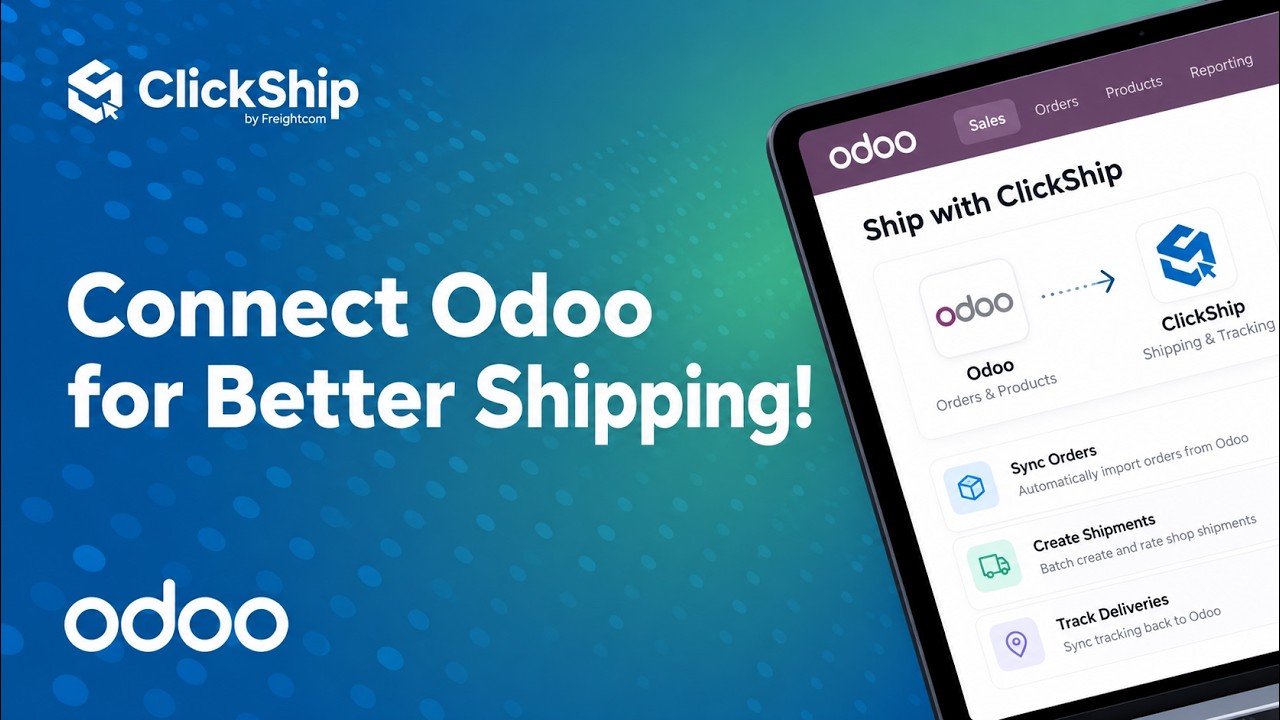
The integration connects Odoo products and orders with ClickShip. Your team manages and ships those orders in ClickShip, with relevant shipping information sent back to Odoo.
Shipping labels, tracking information and relevant shipment documents are sent back to Odoo when a shipment is created in ClickShip.
No. ClickShip does not automatically update the Odoo order status. Your team keeps control of picking, packing and fulfillment status in Odoo.
Yes. The connection includes mapping for relevant custom product fields. The walkthrough shows where to review and map these fields.
Watch the integration walkthrough on this page, including its requirements section, then connect with the ClickShip team to confirm your Odoo setup and shipping workflow.
Yes. The video includes a French subtitle track. Select French in the player’s subtitle settings if it is not already active.
BRING YOUR WORKFLOW TOGETHER
Tell us how your business uses Odoo. We’ll walk through the integration and help your team plan its shipping workflow.